
01
Media volume, handled.
Adjust supported media playback volume on your Android device.
SIMPLE ANDROID AUDIO CONTROLS
Your music. Your videos. Your volume.
Manage supported media playback volume from one screen, with simple controls that keep things easy.
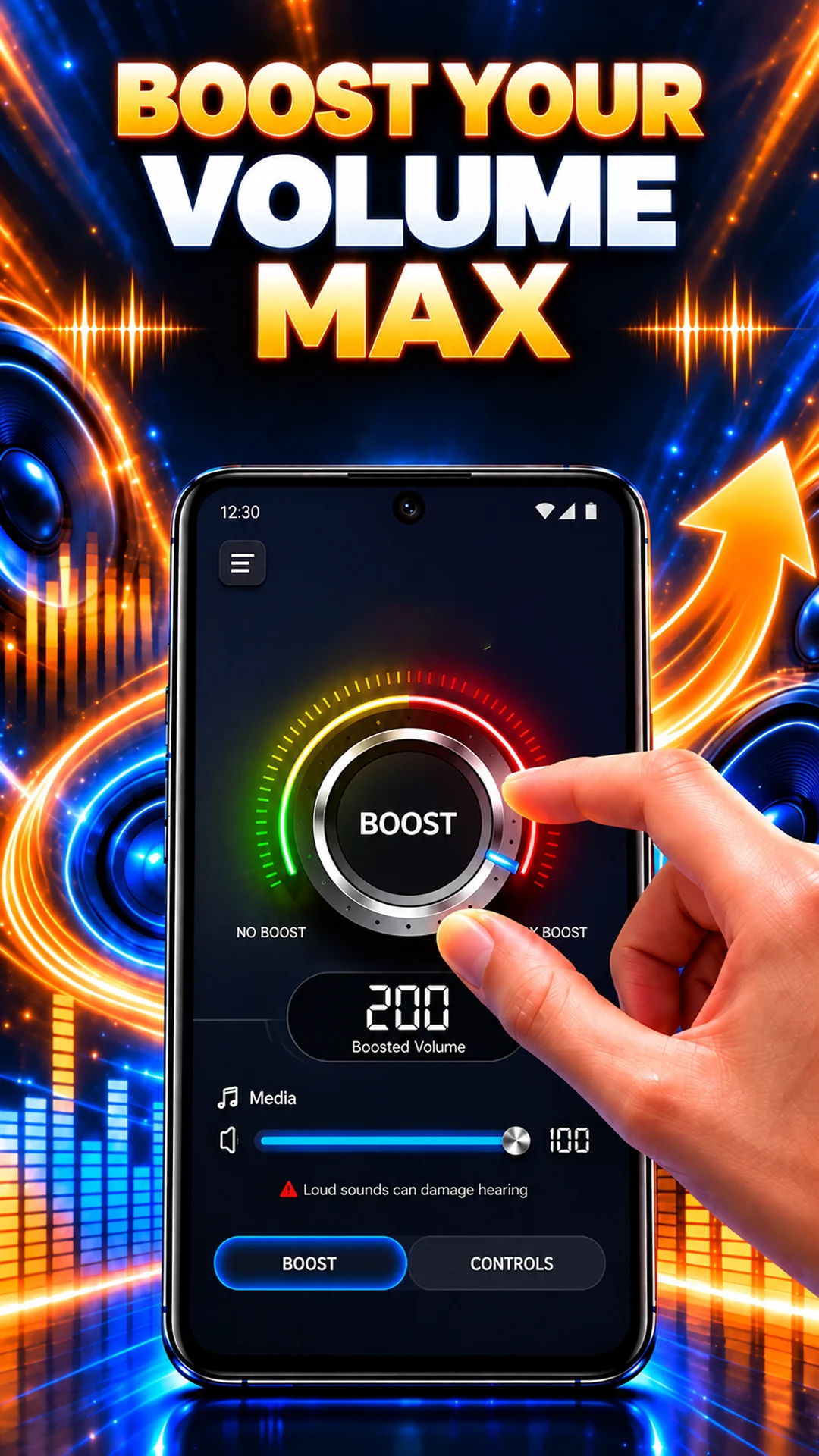
01 / THE EVERYDAY ESSENTIALS
A straightforward place to adjust supported media volume, whatever you’re pressing play on.
Adjust supported media playback volume on your Android device.
Use straightforward in-app controls to find your listening level.
Manage supported playback volume together in one place.
Use the volume controls while listening to music.
Adjust supported media volume while watching videos.
Use the controls with other supported media playback, too.
Available adjustments depend on your device, Android version, media app and audio output.
02 / PRESS PLAY
Listen to music, watch a video or play other supported media on your Android device.
Use the app’s simple controls to adjust supported media playback volume.
Choose a comfortable listening level, especially when using headphones.
03 / A CLOSER LOOK
All five images from Google Play.
Select an image to take a closer look.
Promotional images supplied on Google Play. Available adjustments and results vary by device.
A NOTE ON LISTENING
Keep volume at a comfortable level, especially with headphones. Available adjustments depend on your device, Android version, media app and audio output. The app cannot guarantee the same result on every device or increase output beyond hardware or system limits.
YOUR NEXT LISTEN STARTS HERE
Volume Booster - Sound Booster
Android 9 and up · Contains ads